 Jot
Literally just a text editor.
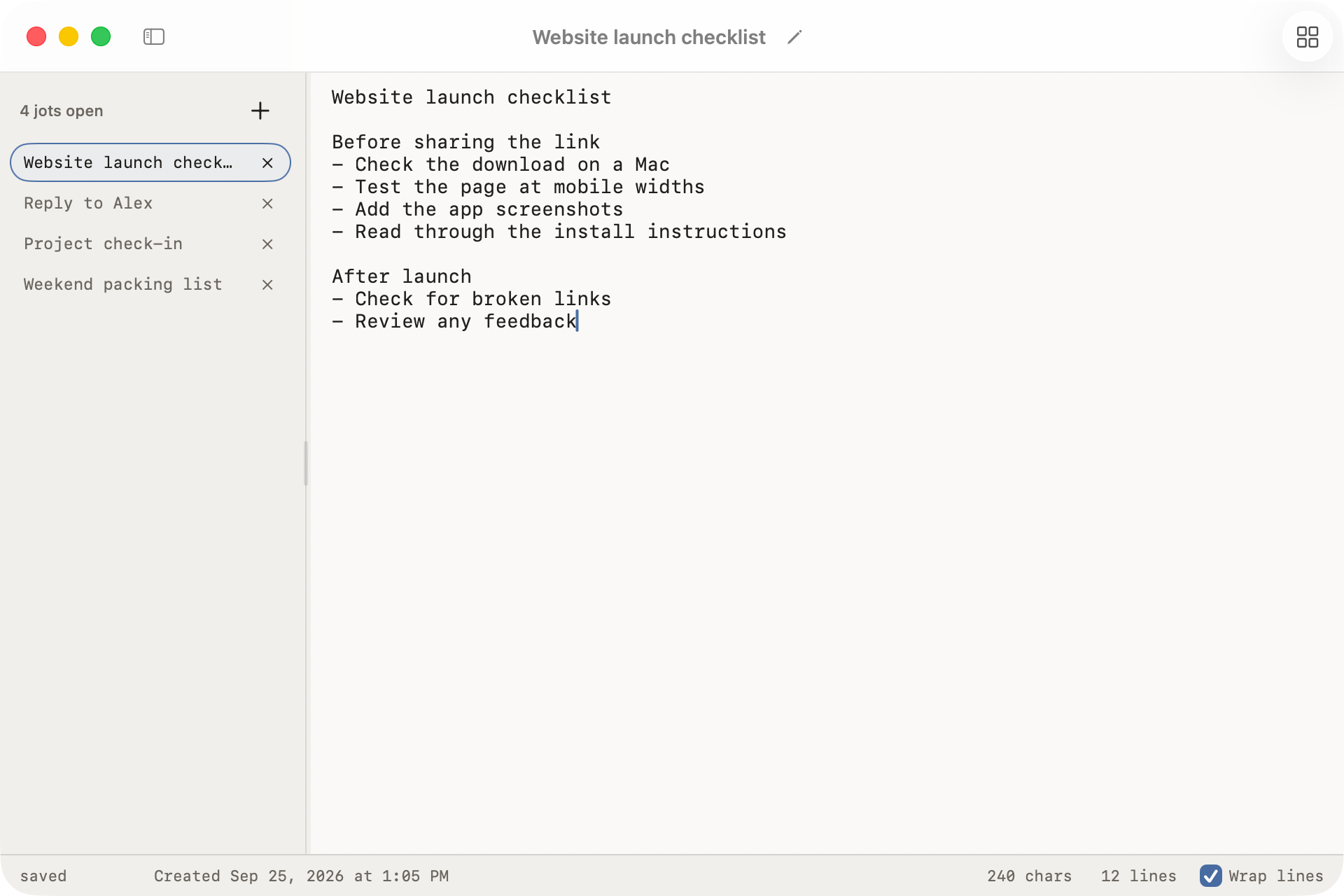
A free, native Mac app for jotting things down. Your text saves automatically, stays on your Mac, and is there when you need it again.
macOS 14 or later
Features
- Automatic saving: just start typing, no need to name a file or choose a folder
- Tabs that stay tidy: close a tab without losing anything. can reopen at any time
- Search: find text across your saved jots, including closed tabs
- Local storage: your library stays on your Mac, with no account or sync
- Local backups: restore an earlier library state from backups on the same disk
- Plain-text export: export independent copies of your jots to take elsewhere if you need
- UI options: choose between vertical or horizontal tabs, with light and dark theme options
FAQ
Okay full disclosure, no one has asked any questions yet lol. But I preempted a few:
What do I need to run Jot?
A Mac running macOS 14 or later. Download the DMG, open it and drag Jot into Applications.
Where does my text live?
Your library stays on your Mac, in Jot's Application Support folder. Jot manages the library for you. You can export independent plain-text copies whenever you need them.
Does Jot sync between devices?
No. Jot only keeps a local library on one Mac. It does not sync between devices.
Is it just plain text?
Yep! No rich-text formatting.
What happens when I close a tab?
The saved jot stays in "All jots". Closing a tab only clears it from your workspace. You can also move a jot to Trash, which is a separate action.
Where do backups live?
Jot automatically keeps local library backups so you can restore an earlier state. They are on the same disk as your library, so they unfortunately do not protect against losing your Mac or its disk. Maybe will implement cloud backups in the future!
Does Jot track me?
The app doesn't. Your jots never leave your Mac, and Jot only goes online to check GitHub for updates. This website counts visits and download clicks with Vercel Web Analytics and a self-hosted Umami. Neither uses cookies.